> ## Documentation Index
> Fetch the complete documentation index at: https://docs.restauric.com/llms.txt
> Use this file to discover all available pages before exploring further.
# Delete Ingredient
> Remove an ingredient from the inventory system when it is no longer in use.
This guide explains how to delete an ingredient.
> **Prerequisite**\
> Ensure you have access to inventory management.\
> Learn how to log in here: [Login Guide](/index)\
> Learn how to assign role and premission here: [**Assigning Roles & Permissions**](/assigning-user-role-permissions)**.**
## Delete Ingredient
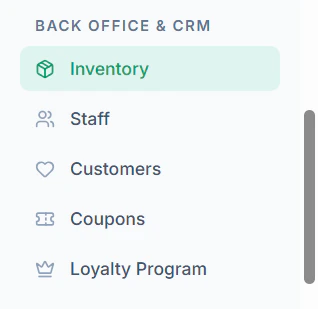
1. Navigate to **Inventory** menu in sidebar
 2. Locate the ingredient
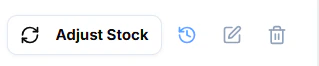
3. Click **Delete Icon**
2. Locate the ingredient
3. Click **Delete Icon**
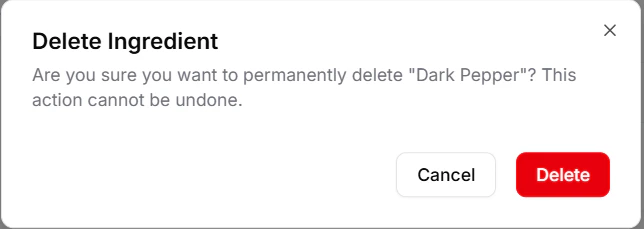
 4. Confirm the action
 ***
### Important Notes
* Deleted ingredients cannot be recovered
* Ensure no active dependencies before deletion
***
### Important Notes
* Deleted ingredients cannot be recovered
* Ensure no active dependencies before deletion