> ## Documentation Index
> Fetch the complete documentation index at: https://docs.restauric.com/llms.txt
> Use this file to discover all available pages before exploring further.
# Edit Ingredient
> Update ingredient details such as name, category, or stock settings.
> **Prerequisite**\
> Ensure you have access to inventory management.\
> Learn how to log in here: [Login Guide](/index)\
> Learn how to assign role and premission here: [**Assigning Roles & Permissions**](/assigning-user-role-permissions)**.**
## Edit Ingredient
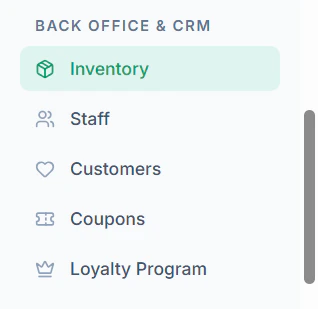
1. Navigate to **Inventory** menu in sidebar
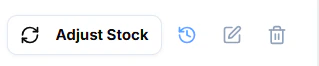
 2. Click **Edit Icon** of an ingredient to edit
 3. Update required fields
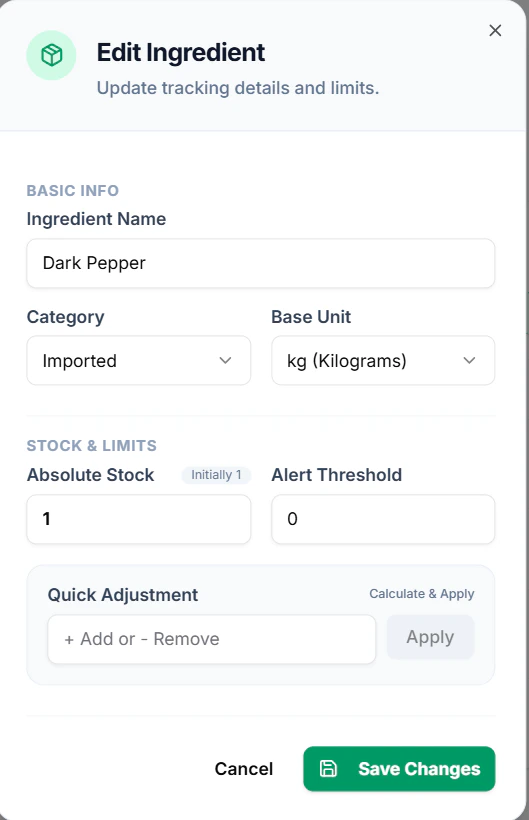 4. Click **Save Changes**