> ## Documentation Index
> Fetch the complete documentation index at: https://docs.restauric.com/llms.txt
> Use this file to discover all available pages before exploring further.
# Login to Dashboard
> Access your restaurant management dashboard to manage orders, staff, reports, and daily operations in one place.
> **Prerequisite**\
> Ensure your user account is created and access is assigned to your profile.\
> Learn how to set up users here: [User Setup Guide](/staff-setup-guide)
Follow these steps to log in:
1. Open the [**Login Page**](https://restauric.com/auth/login)
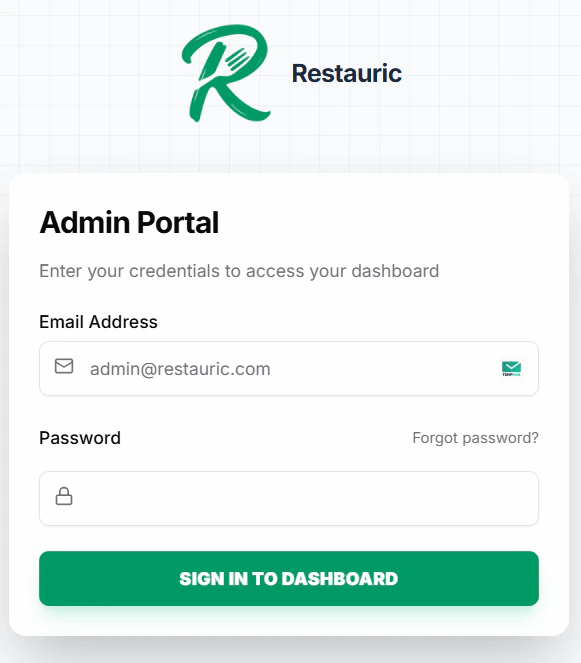 2. Enter your **Email Address**
3. Enter your **Password**
4. Click **SIGN IN TO DASHBOARD**
***
### Forgot Password?
If you are unable to log in, you can reset your password.
Follow this guide: [Reset Password](/docs/reset-password)
2. Enter your **Email Address**
3. Enter your **Password**
4. Click **SIGN IN TO DASHBOARD**
***
### Forgot Password?
If you are unable to log in, you can reset your password.
Follow this guide: [Reset Password](/docs/reset-password)