> ## Documentation Index
> Fetch the complete documentation index at: https://docs.restauric.com/llms.txt
> Use this file to discover all available pages before exploring further.
# Mark Order Ready
> Manage incoming order marking items as ready for serving.
This guide helps kitchen staff update order status from **cooking** to **ready** for service.
> **Prerequisite**\
> Ensure orders is in cooking state in the kitchen.\
> Learn how to start cooking order here: [Start Cooking Order Guide](/start-cooking-order)
## Mark Order as Ready
Once the order is prepared:
1. Navigate to **Kitchen Page / KDS (Kitchen Display System)**
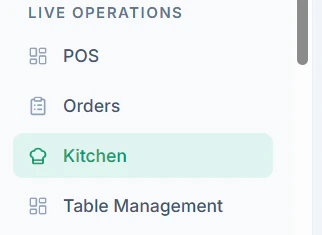 2. You can see all **Pending Orders**
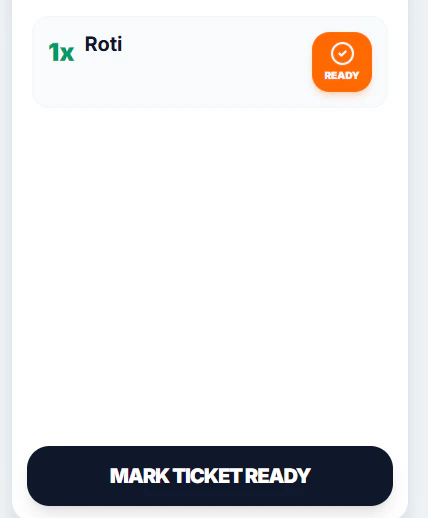 3. Click **Ready** Each Item

 4. Finally **Mark Ticket Ready** when all items are ready
 ### Important Notes
* Only mark orders as **Ready** after full preparation
* Ensure all items in the order are completed
* This status notifies service staff for pickup
## Tips
* Update status in real-time to avoid delays
* Use the kitchen screen to prioritize urgent orders
### Important Notes
* Only mark orders as **Ready** after full preparation
* Ensure all items in the order are completed
* This status notifies service staff for pickup
## Tips
* Update status in real-time to avoid delays
* Use the kitchen screen to prioritize urgent orders