> ## Documentation Index
> Fetch the complete documentation index at: https://docs.restauric.com/llms.txt
> Use this file to discover all available pages before exploring further.
# Settle, Void, or Delete Orders
> Manage completed or incorrect orders by settling payments, voiding, or deleting records.
This guide explains how to manage order records after creation.
> > **Prerequisite**\
> > Ensure orders are sent to the kitchen from POS.\
> > Learn how to send orders here:
>
> 1. [Dine-In Order Guide](/dine-in-order)
> 2. [Takeaway Order Guide](/takeaway-order)
> 3. [Delivery Order Guide](/delivery-order)
## Manage Orders
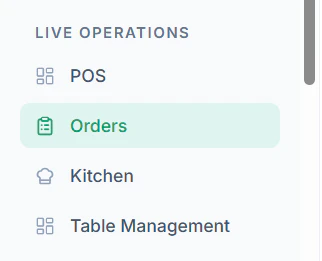
1. Navigate to **Orders** from the dashboard
 2. Navigate to **All Orders Tab View**
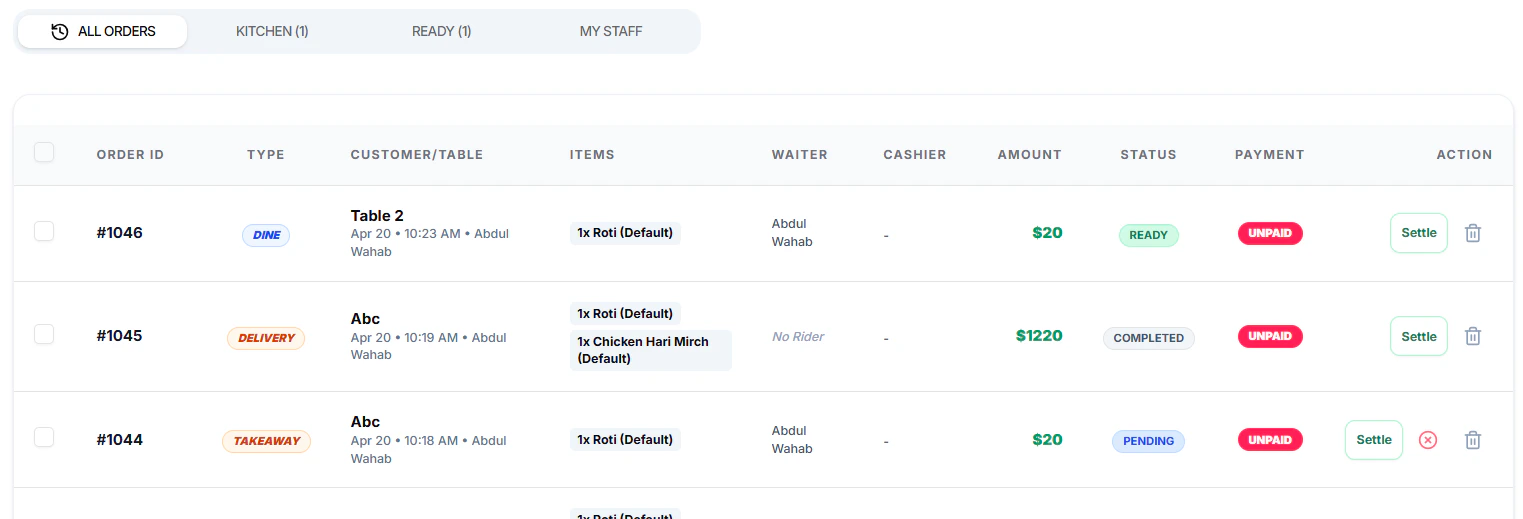 3. Apply Filter to **All Orders** from the top options
 4. Choose an action:
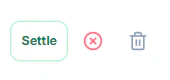 * Click **Settle** to complete payment
* Click **Void** to cancel the order
* Click **Settle** to complete payment
* Click **Void** to cancel the order
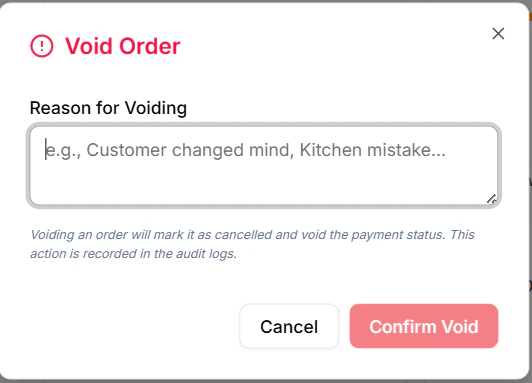 * Click **Delete** to remove the record
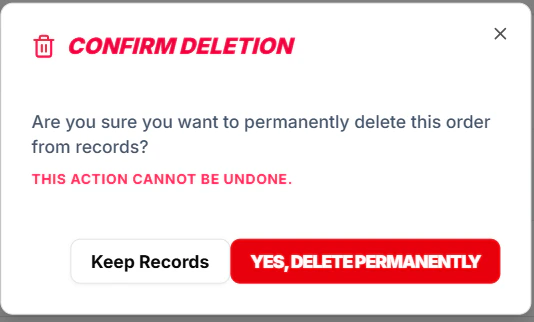 5. Confirm the action when prompted
***
### Important Notes
* Voided or deleted orders may not be recoverable
* Ensure correct permissions before performing actions
* Always verify order details before settlement
5. Confirm the action when prompted
***
### Important Notes
* Voided or deleted orders may not be recoverable
* Ensure correct permissions before performing actions
* Always verify order details before settlement