> ## Documentation Index
> Fetch the complete documentation index at: https://docs.restauric.com/llms.txt
> Use this file to discover all available pages before exploring further.
# Staff Order Handling Overview
> Monitor and manage how staff handle orders across POS, kitchen, and service stages.
This section provides an overview of how staff interact with the order system.
> **Prerequisite**\
> Ensure orders are sent to the kitchen from POS.\
> Learn how to send orders here:
>
> 1. [Dine-In Order Guide](/dine-in-order)
> 2. [Takeaway Order Guide](/takeaway-order)
> 3. [Delivery Order Guide](/delivery-order)
## Monitoring Orders
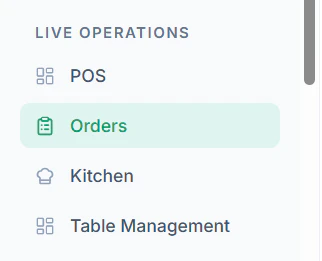
1. Navigate to **Orders** from the dashboard
 2. Navigate to **Kitchen Tab View**
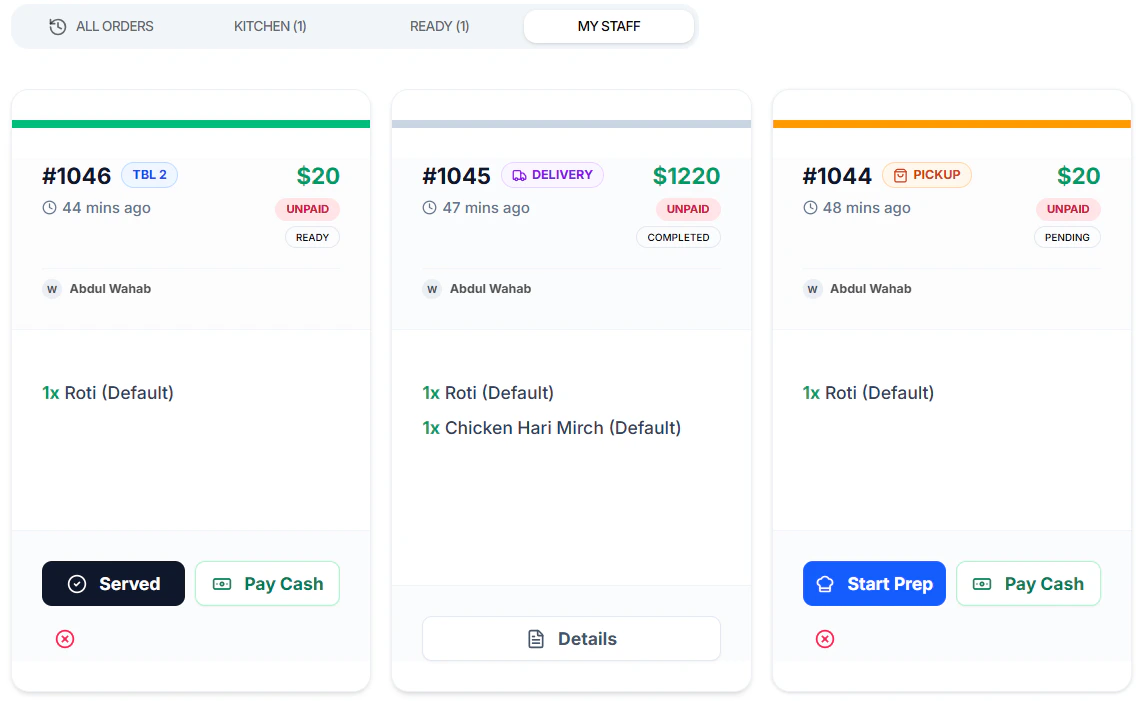 3. Update status step-by-step:
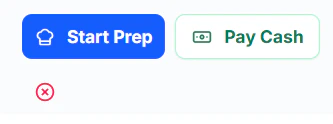
* Click **Start Preparing**
3. Update status step-by-step:
* Click **Start Preparing**
 * Click **Mark** **Ready** once prepared
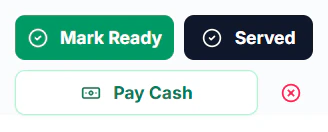 * Click **Served** when delivered
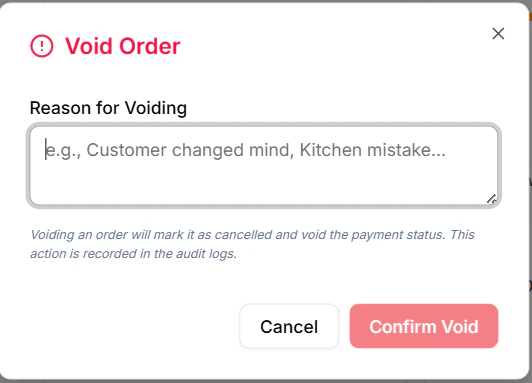
* Click **Cross** to void the order
* Click **Served** when delivered
* Click **Cross** to void the order
 ***
## Tips
* Ensure clear role responsibilities
* Monitor delays in order flow
* Use reports for performance tracking
***
## Tips
* Ensure clear role responsibilities
* Monitor delays in order flow
* Use reports for performance tracking