> ## Documentation Index
> Fetch the complete documentation index at: https://docs.restauric.com/llms.txt
> Use this file to discover all available pages before exploring further.
# View Stock History Logs
> Track all stock changes for an ingredient to maintain accurate inventory records.
This guide helps you view stock history.
> **Prerequisite**\
> Ensure you have access to inventory management.\
> Learn how to log in here: [Login Guide](/index)\
> Learn how to assign role and premission here: [**Assigning Roles & Permissions**](/assigning-user-role-permissions)**.**
## View Logs
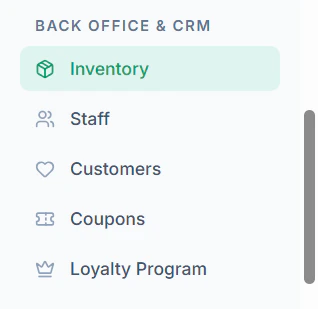
1. Navigate to **Inventory** menu in sidebar
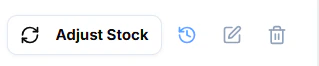
 2. Click **History Icon** to view history logs of the stock
 3. **View Stock History**
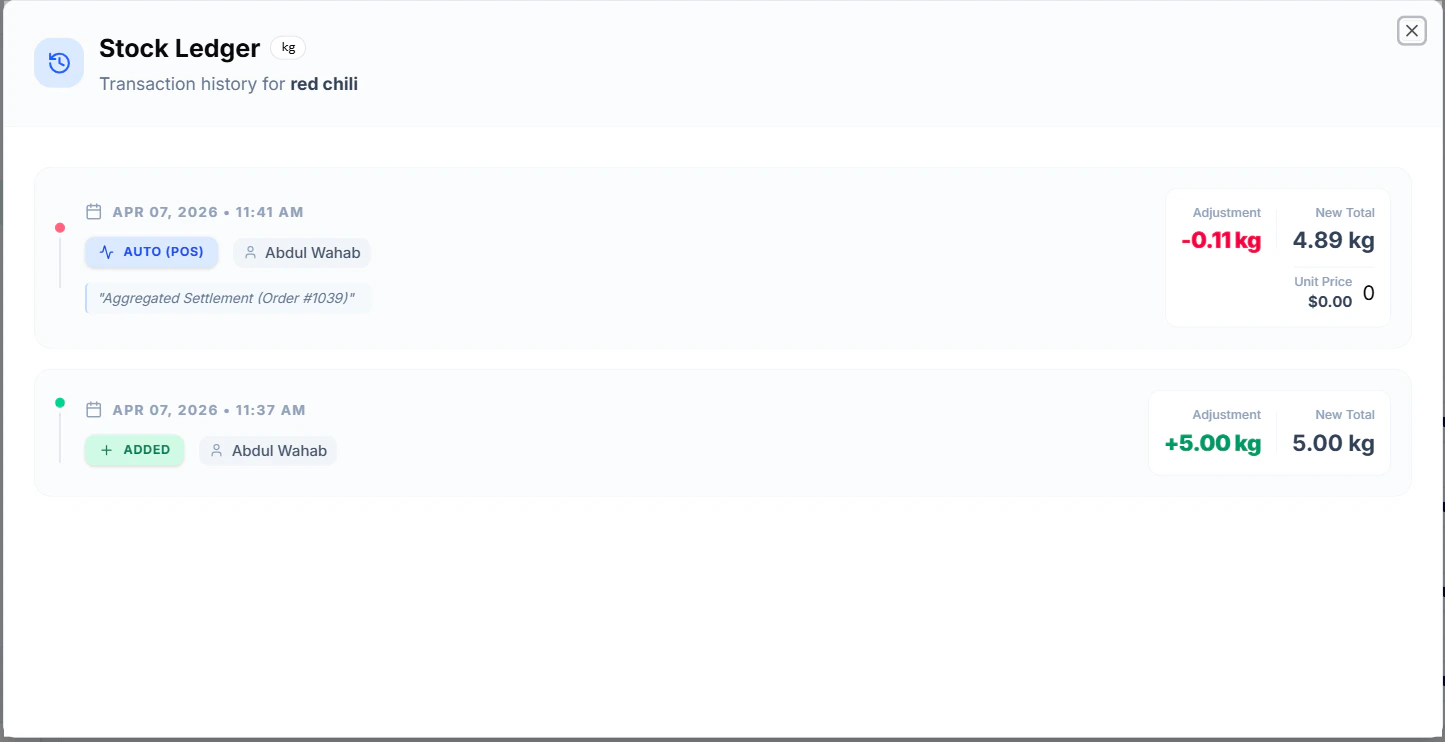 You will see:
* Date & Time
* Quantity Changed
* Action Type (Add/Deduct)
* Performed By
## Tips
* Regularly review logs to avoid stock discrepancies
* Use logs for auditing and tracking usage
You will see:
* Date & Time
* Quantity Changed
* Action Type (Add/Deduct)
* Performed By
## Tips
* Regularly review logs to avoid stock discrepancies
* Use logs for auditing and tracking usage