Prerequisite
Ensure you have access to inventory management.
Learn how to log in here: Login Guide
Learn how to assign role and premission here: Assigning Roles & Permissions.
Add New Category
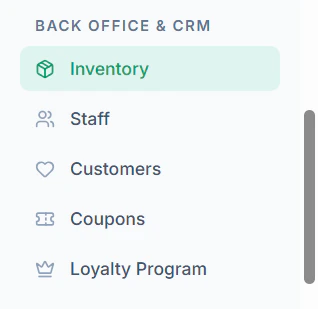
- Navigate to Inventory menu in sidebar
- Click Manage Categories on the top or click + Add Category

- Click + Create New Category

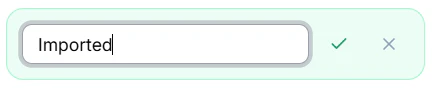
- Enter Category Name and click Tick Mark