
Prerequisite
Ensure orders is in cooking state in the kitchen.
Learn how to start cooking order here: Start Cooking Order Guide
Mark Order as Ready
Once the order is prepared:- Navigate to Kitchen Page / KDS (Kitchen Display System)
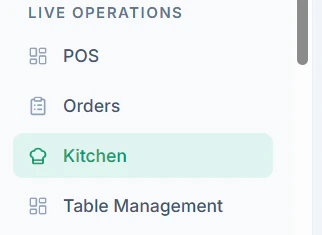
- You can see all Pending Orders
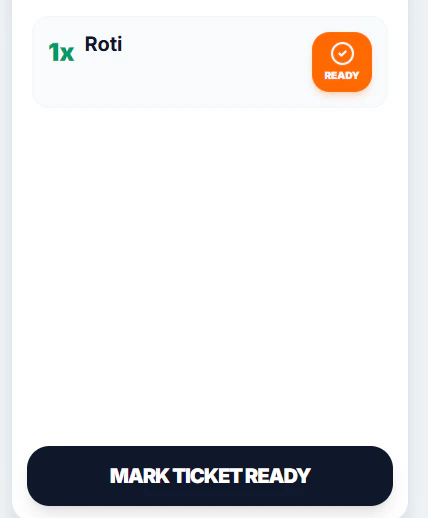
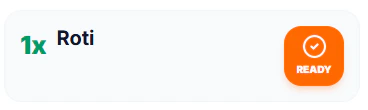
- Click Ready Each Item
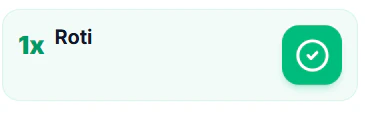
- Finally Mark Ticket Ready when all items are ready

Important Notes
- Only mark orders as Ready after full preparation
- Ensure all items in the order are completed
- This status notifies service staff for pickup
Tips
- Update status in real-time to avoid delays
- Use the kitchen screen to prioritize urgent orders