
Prerequisite
Ensure you have access to inventory management.
Learn how to log in here: Login Guide
Learn how to assign role and premission here: Assigning Roles & Permissions.
View Logs
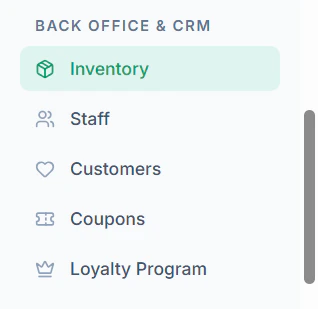
- Navigate to Inventory menu in sidebar
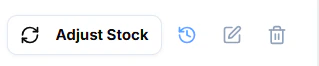
- Click History Icon to view history logs of the stock
- View Stock History
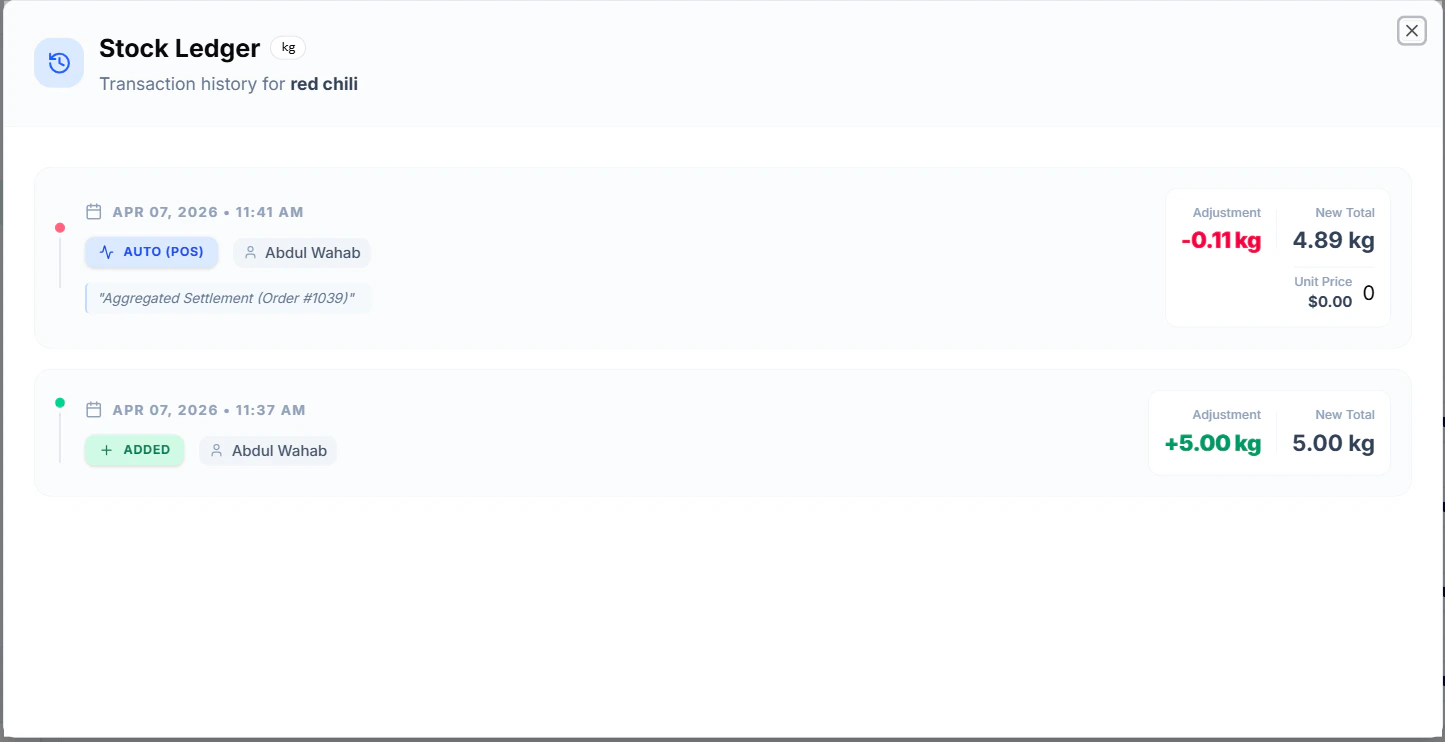
- Date & Time
- Quantity Changed
- Action Type (Add/Deduct)
- Performed By
Tips
- Regularly review logs to avoid stock discrepancies
- Use logs for auditing and tracking usage