
Prerequisite
Ensure orders are sent to the kitchen from POS.
Learn how to send orders here:
Start Cooking an Order
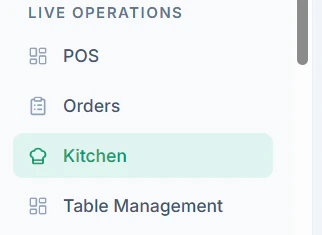
Follow these steps to begin preparation:- Navigate to Kitchen Page / KDS (Kitchen Display System)
- You can see all Pending Orders
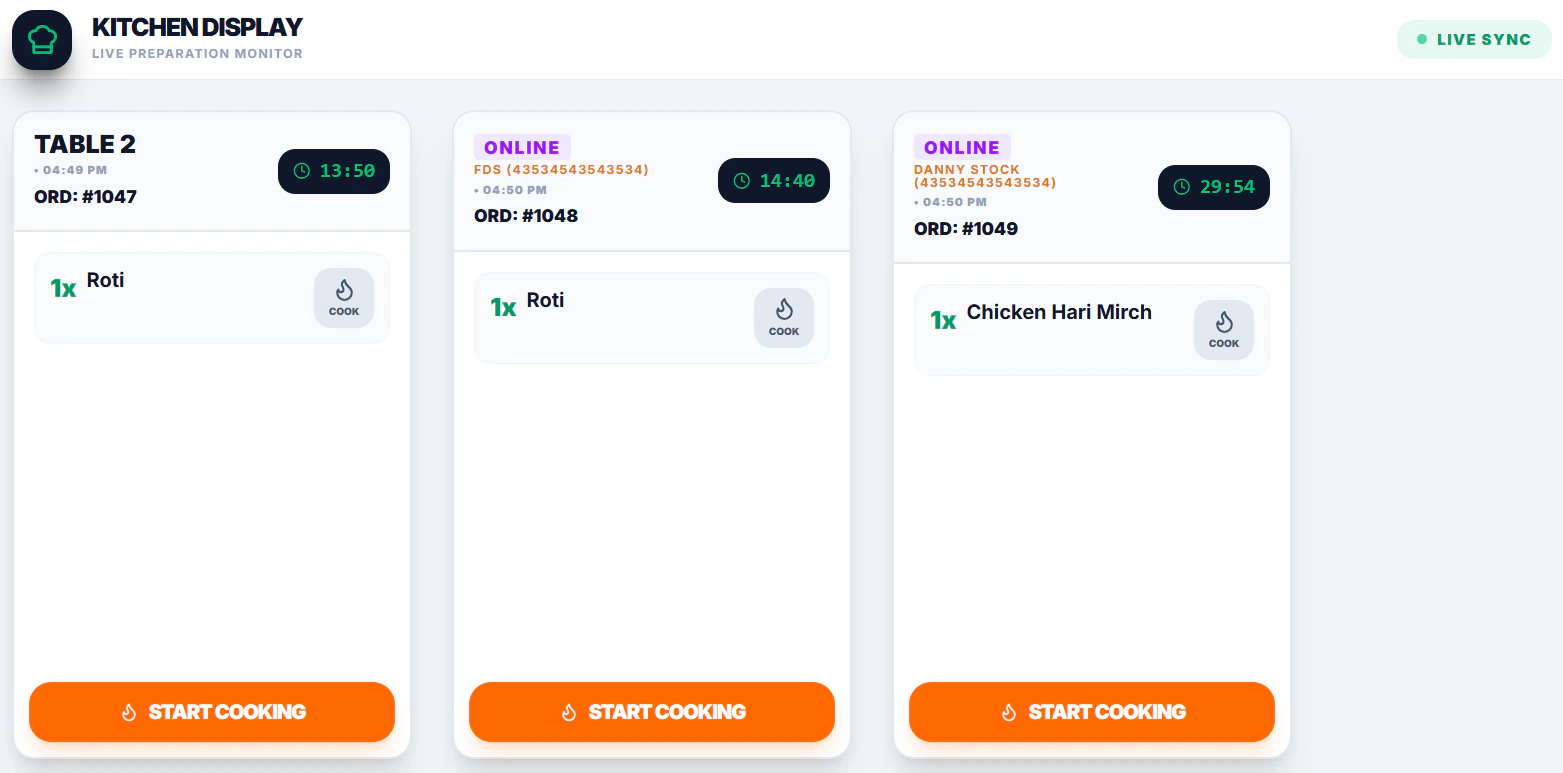
- Click Start Cooking
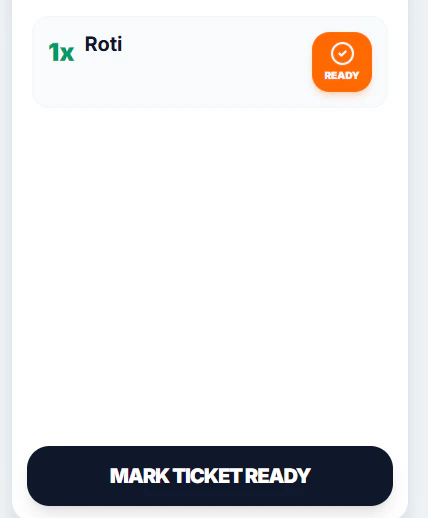
Tips
- Update status in real-time to avoid delays
- Use the kitchen screen to prioritize urgent orders