PrerequisiteFollow these steps to create a dine-in order:
Ensure tables are created and available in the floor layout.
Learn how to set up tables: Table Setup Guide
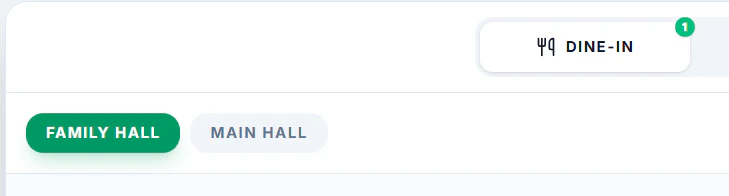
- Select a DINE-IN at the top

- Select a Hall/Floor if any avaibale.
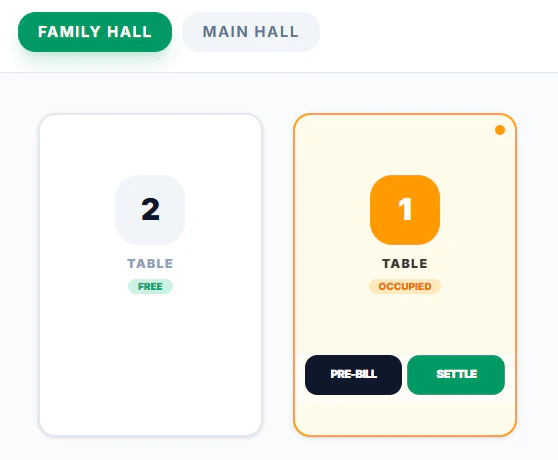
- Click a Table from the floor view
- Add items from the Menu
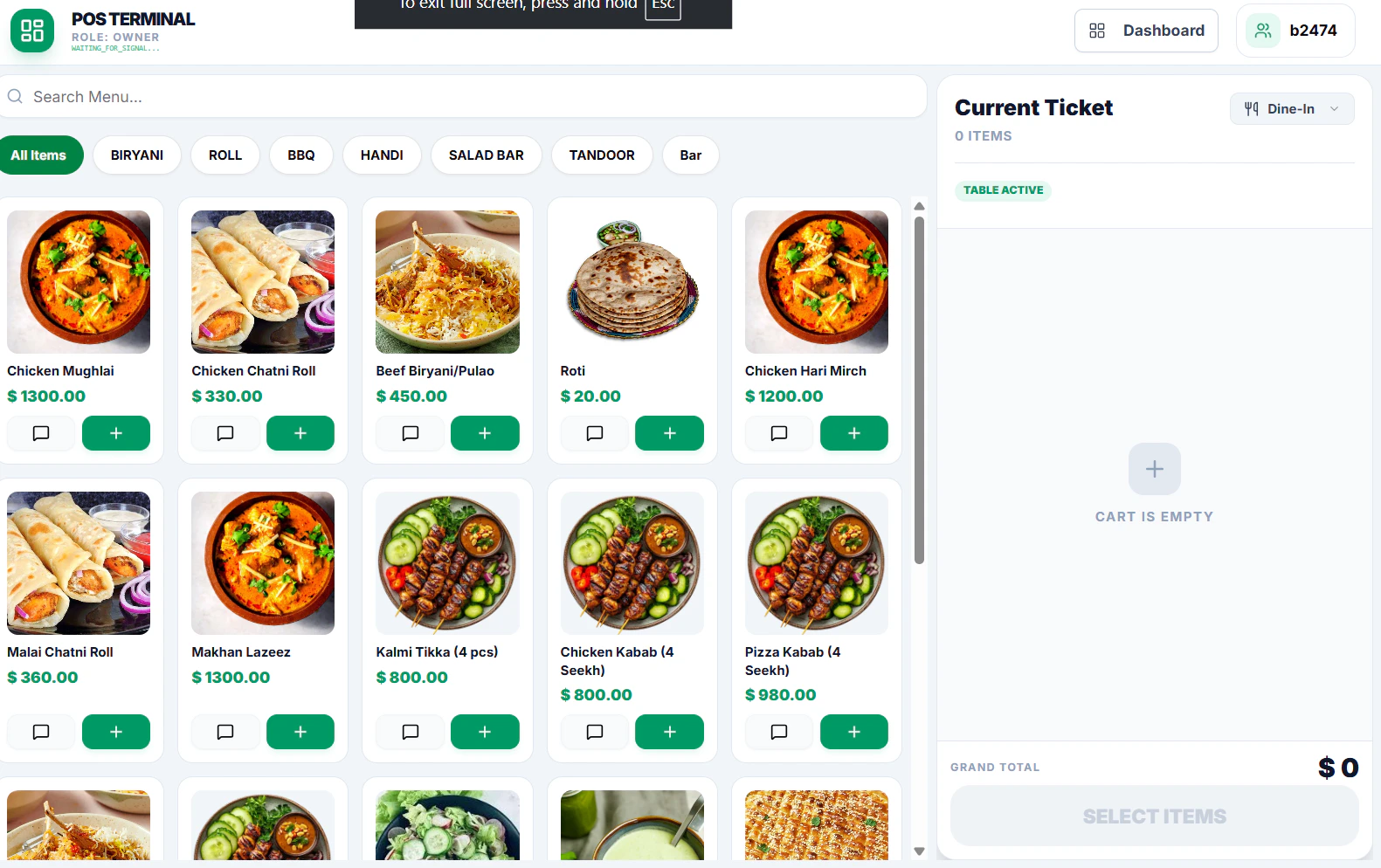
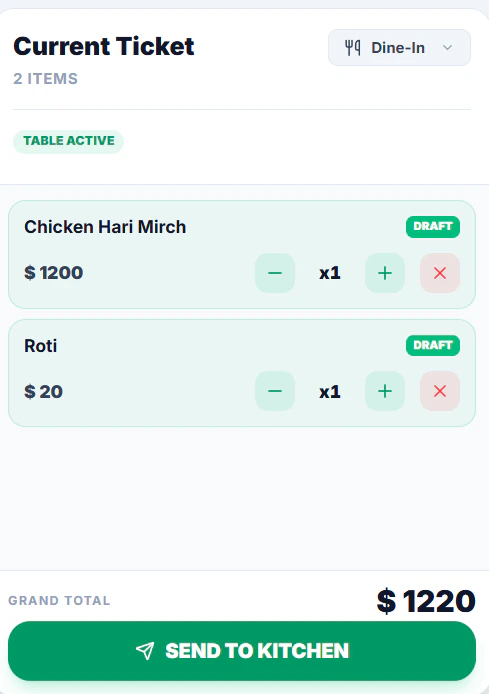
- Click Send to Kitchen to confirm the order
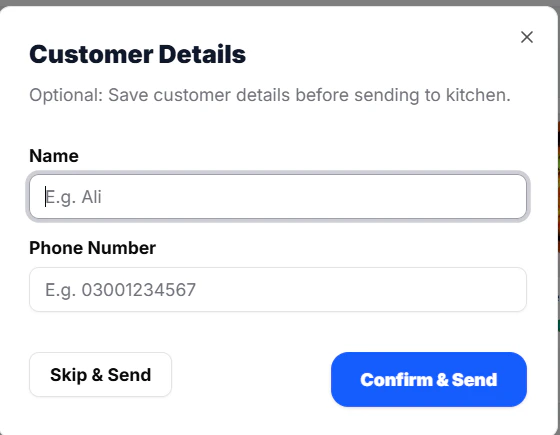
- Add Customer Details (Optional)
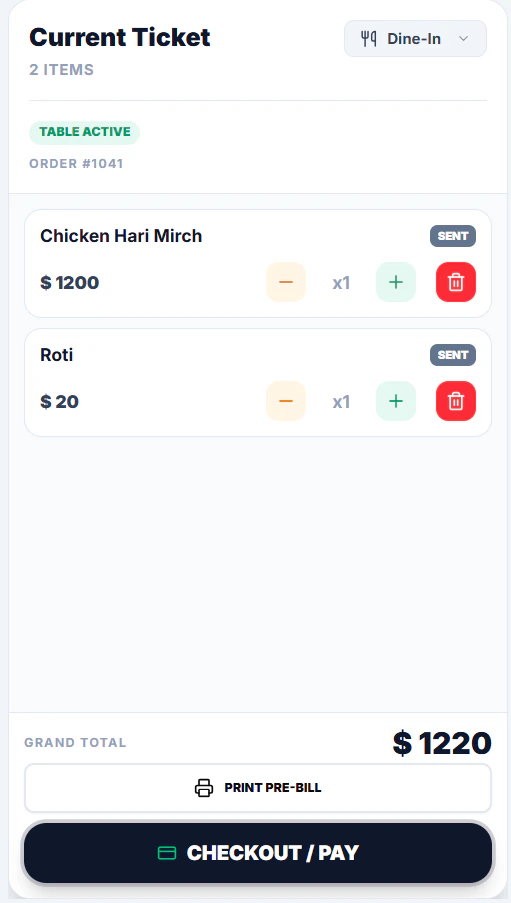
- For Payment Click Checkout / Pay
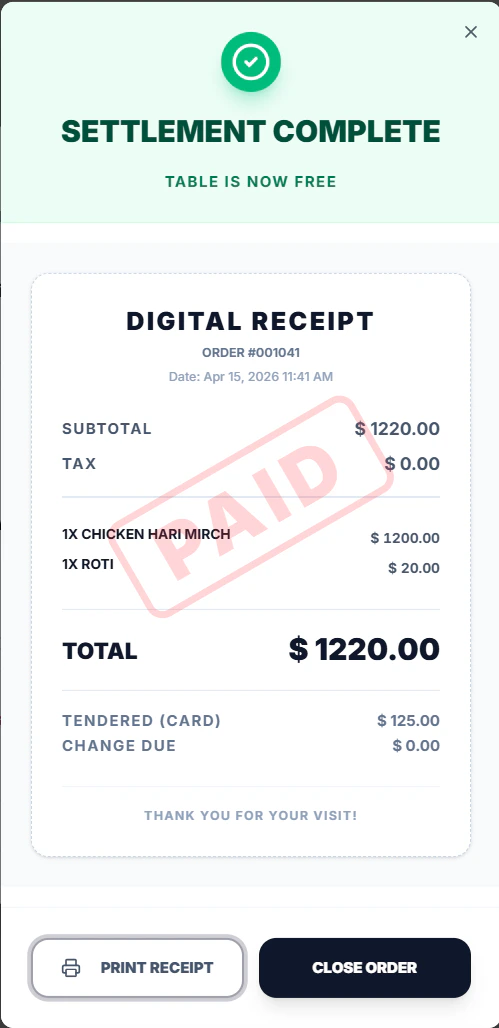
- Select Payment Method and Settle Bill
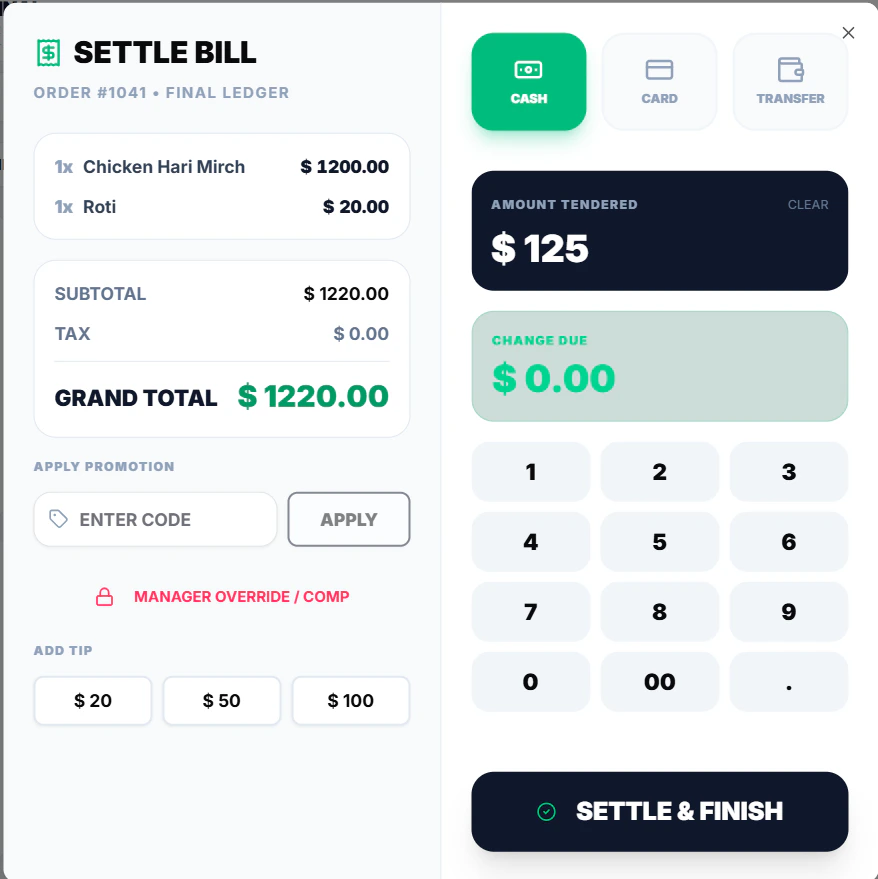
- Print Bill and Close Order