
Prerequisite
Ensure staff have table management access to configure floor settings.
Learn how to set up tables here: Assigning Roles & Permissions.
Delete a Zone
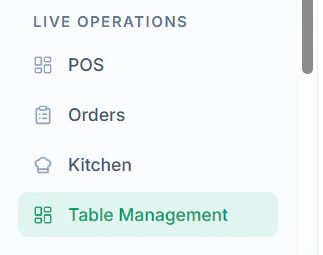
Follow these steps to remove a zone:- Navigate to Table Management from the dashboard
- Locate the Zone you want to delete
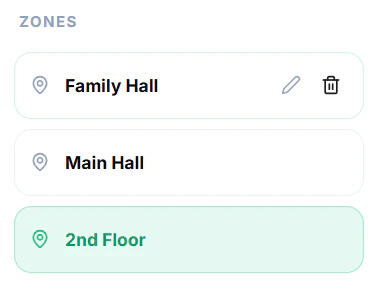
- Click on the Delete Icon for the zone
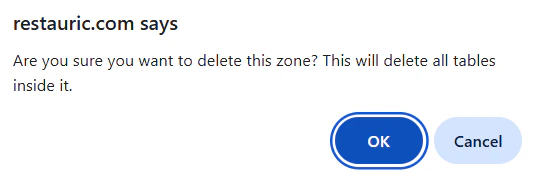
- Confirm the action when prompted
Important Notes
- Deleting a zone will remove all associated tables
- Ensure all tables are removed or reassigned before deleting
- This action may not be reversible
Tips
- Only delete unused zones
- Keep zones aligned with actual restaurant layout