
Prerequisite
Ensure you have admin access to manage staff.
Learn how to set up staff here: Staff Setup Guide
Deleting a Staff
Follow these steps to remove or deactivate a staff member:- Navigate to Staff in the left side submenu below BACK OFFICE & CRM
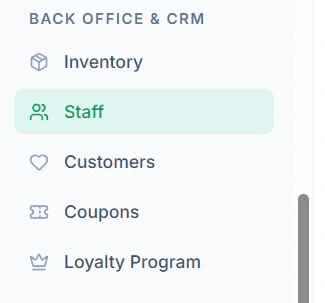
- Locate the staff member you want to remove

- Click on the Delete Icon
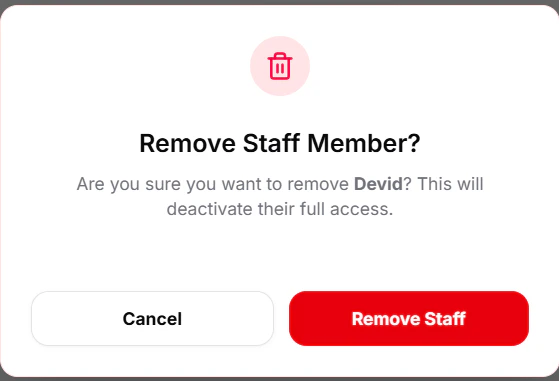
- Confirm the action when prompted
Important Notes
- Deleting a staff member will remove their system access immediately
- Ensure no active operations (orders/shifts) are assigned before removal