
Prerequisite
Ensure staff have table management access to configure floor settings.
Learn how to set up tables here: Assigning Roles & Permissions. Ensure at least one zone is already created in table management.
Learn how to create zones here: Add Zone Guide
Add Tables to a Zone
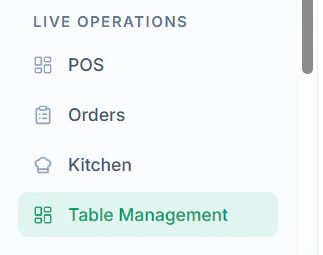
Follow these steps to create tables:- Navigate to Table Management from the dashboard
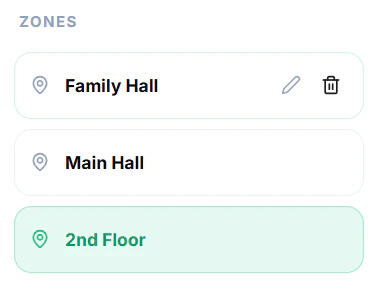
- Select a Zone where you want to add tables
- Click on + Add Table
- Enter table details:
- Table Numbering according to hotel labels
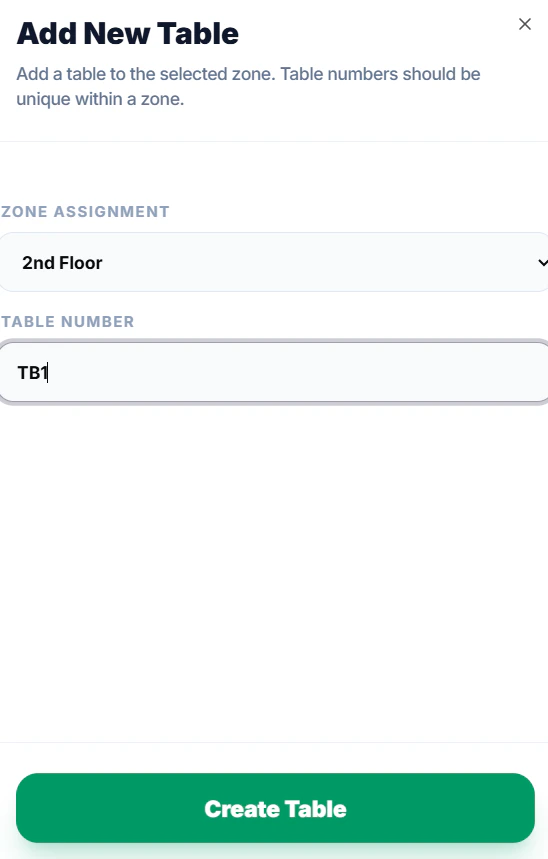
- Table Numbering according to hotel labels
- Click Create Table
Tips
- Use clear table names or numbers (e.g., T1, T2, Table 5)