Prerequisite
Ensure you have access to inventory management.
Learn how to log in here: Login Guide
Learn how to assign role and premission here: Assigning Roles & Permissions.
Delete Ingredient
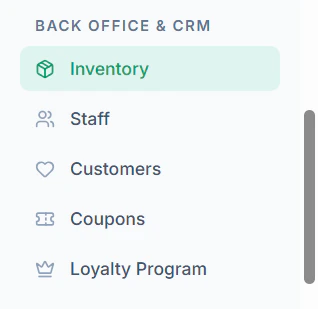
- Navigate to Inventory menu in sidebar
- Locate the ingredient
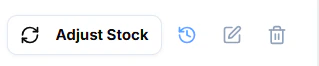
- Click Delete Icon
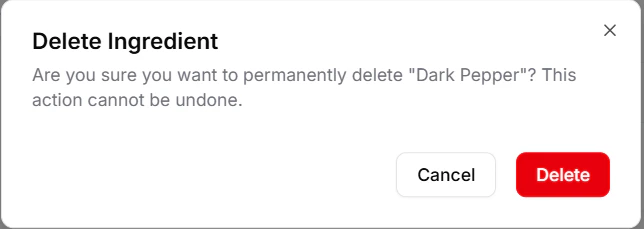
- Confirm the action
Important Notes
- Deleted ingredients cannot be recovered
- Ensure no active dependencies before deletion