PrerequisiteFollow these steps to create a takeaway order:
Ensure you are logged in as an Admin with permission to take order.
Learn how to log in here: Login Guide
- Select a TAKEAWAY at the top

- Click on + New Takeaway
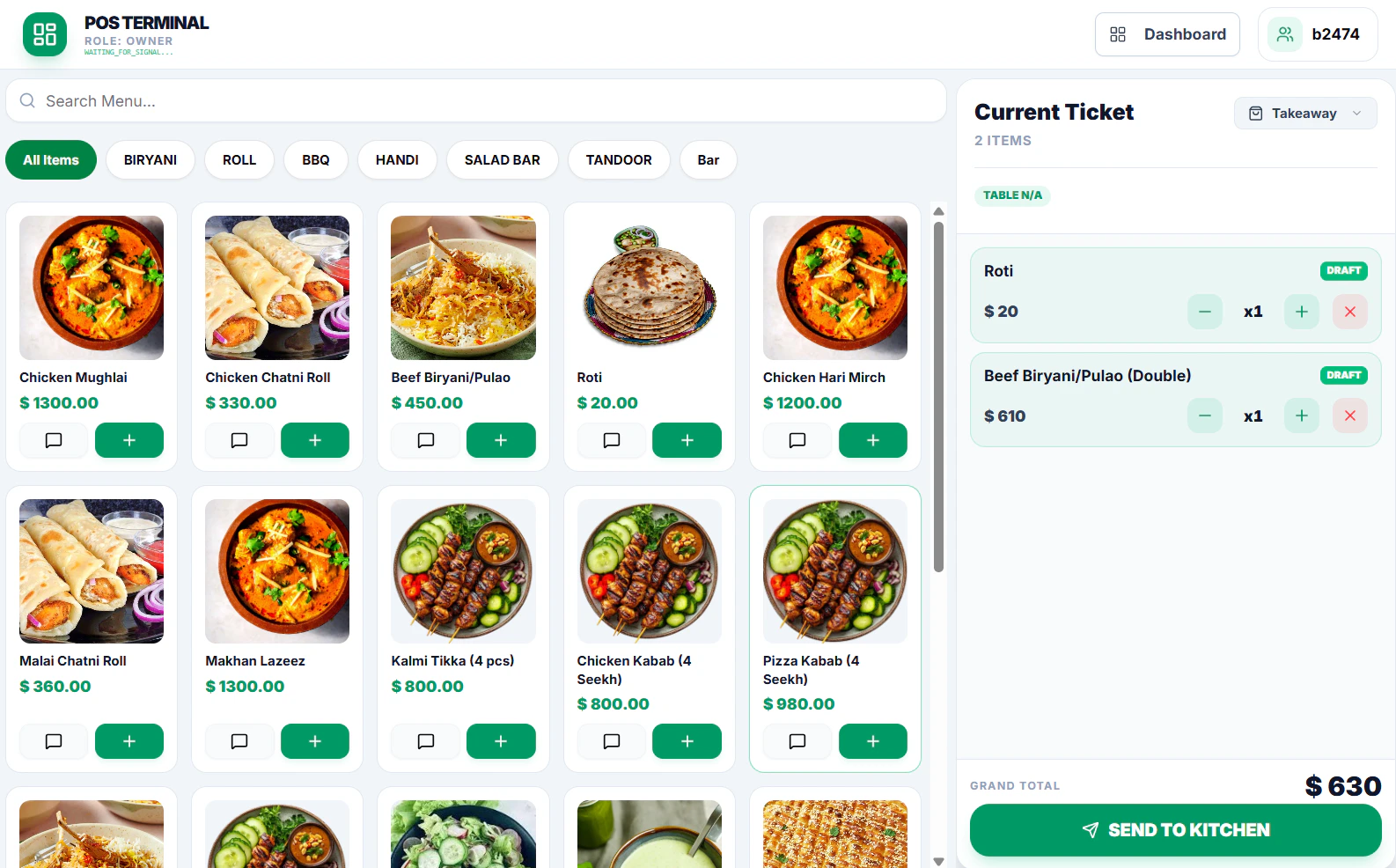
- Add items from the Menu
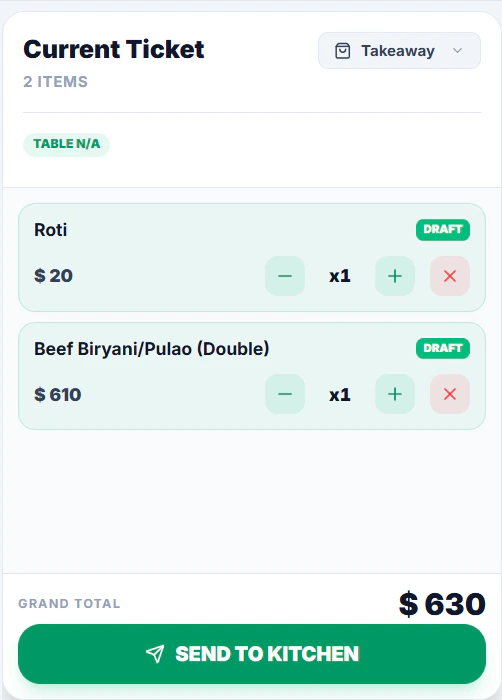
- Click Send to Kitchen to confirm the order
- Add Customer Details (Mandatory) and click Confirm & Send
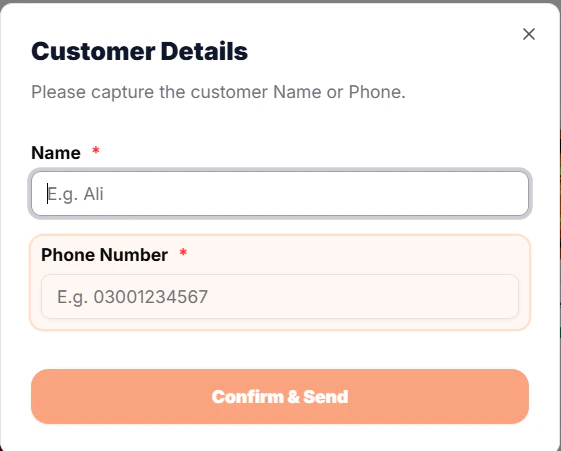
- Click on Handover to Open checkout window

- For Payment Click Checkout / Pay
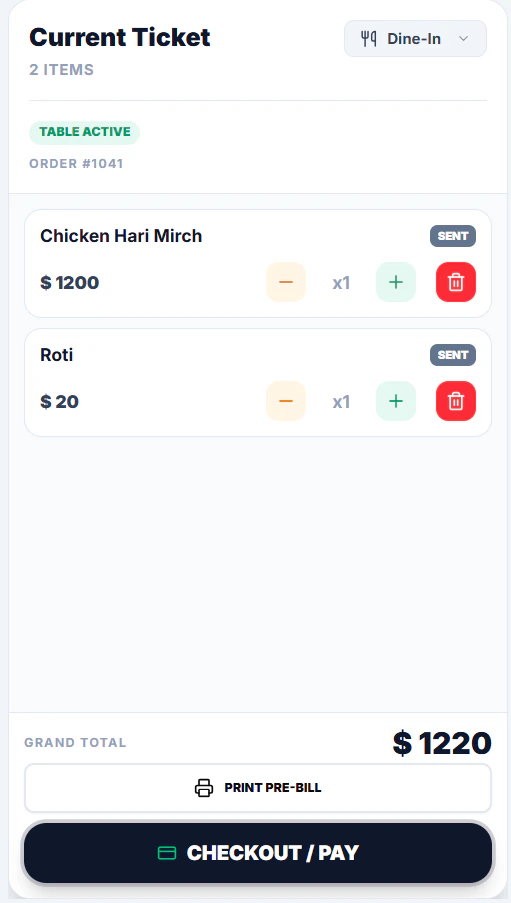
- Select Payment Method Option (CASH, CARD, Bank Transfer)
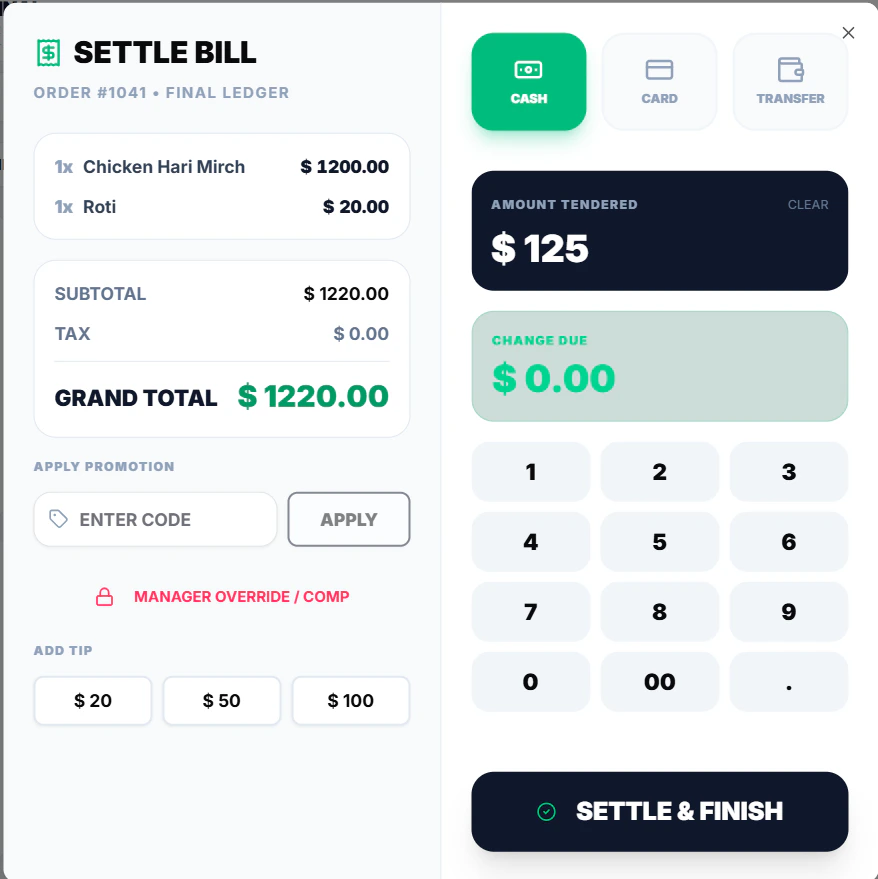
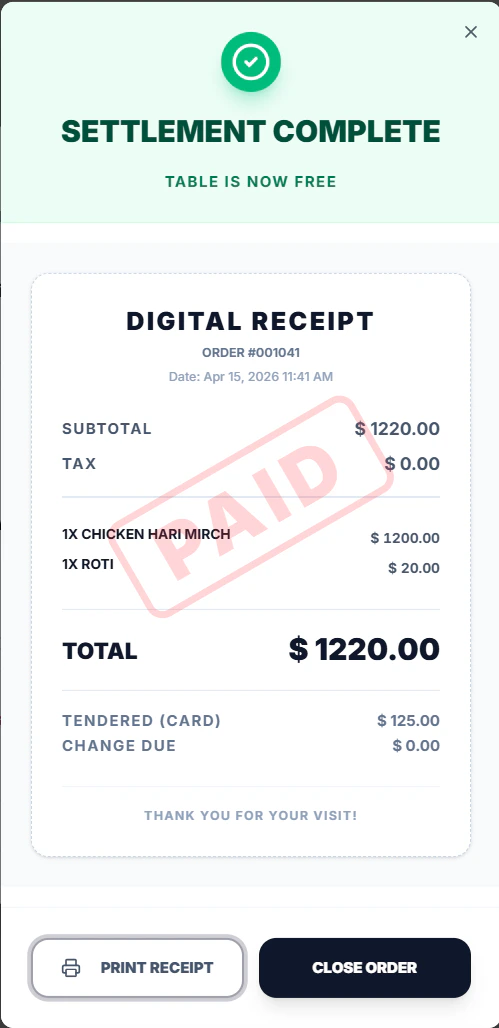
- Click & Finish to Settle Bill
- Print Bill and Close Order