
Prerequisite
Ensure orders are sent to the kitchen from POS.
Learn how to send orders here:
Manage Orders
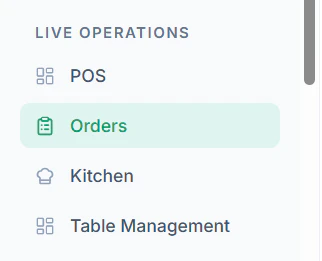
- Navigate to Orders from the dashboard
- Navigate to All Orders Tab View
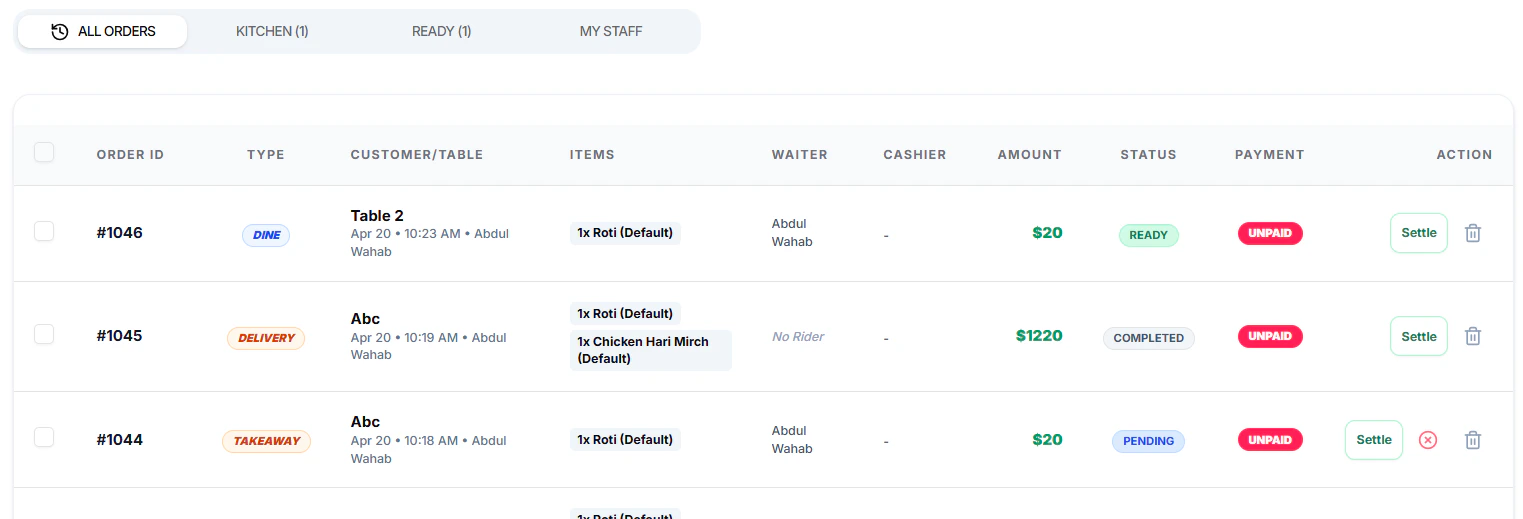
- Apply Filter to All Orders from the top options

- Choose an action:
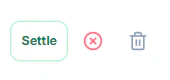
- Click Settle to complete payment
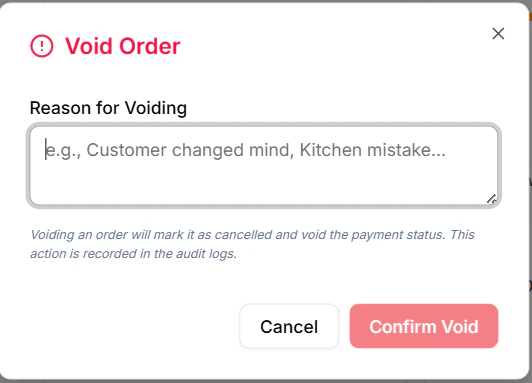
- Click Void to cancel the order
- Click Delete to remove the record
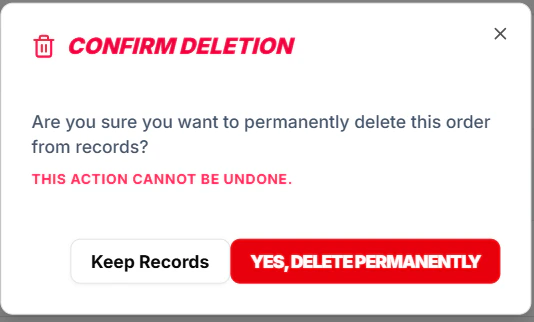
- Confirm the action when prompted
Important Notes
- Voided or deleted orders may not be recoverable
- Ensure correct permissions before performing actions
- Always verify order details before settlement