
Prerequisite
Ensure you have access to inventory management.
Learn how to log in here: Login Guide
Learn how to assign role and premission here: Assigning Roles & Permissions.
Adjust Stock
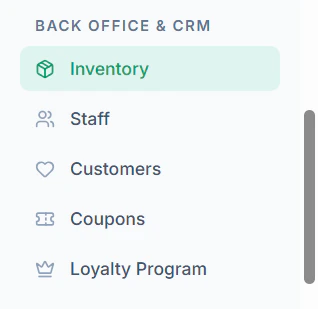
- Navigate to Inventory menu in sidebar
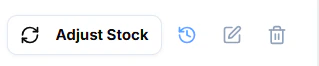
- Click Adjust Stock
- Enter Stock Quantity
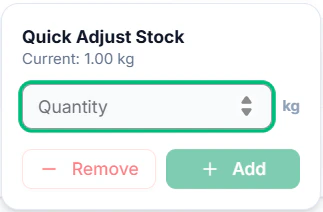
- Click +Add to Add that Quanity to current stock
- Click -Remove to Subtract that Quanity from current stock